
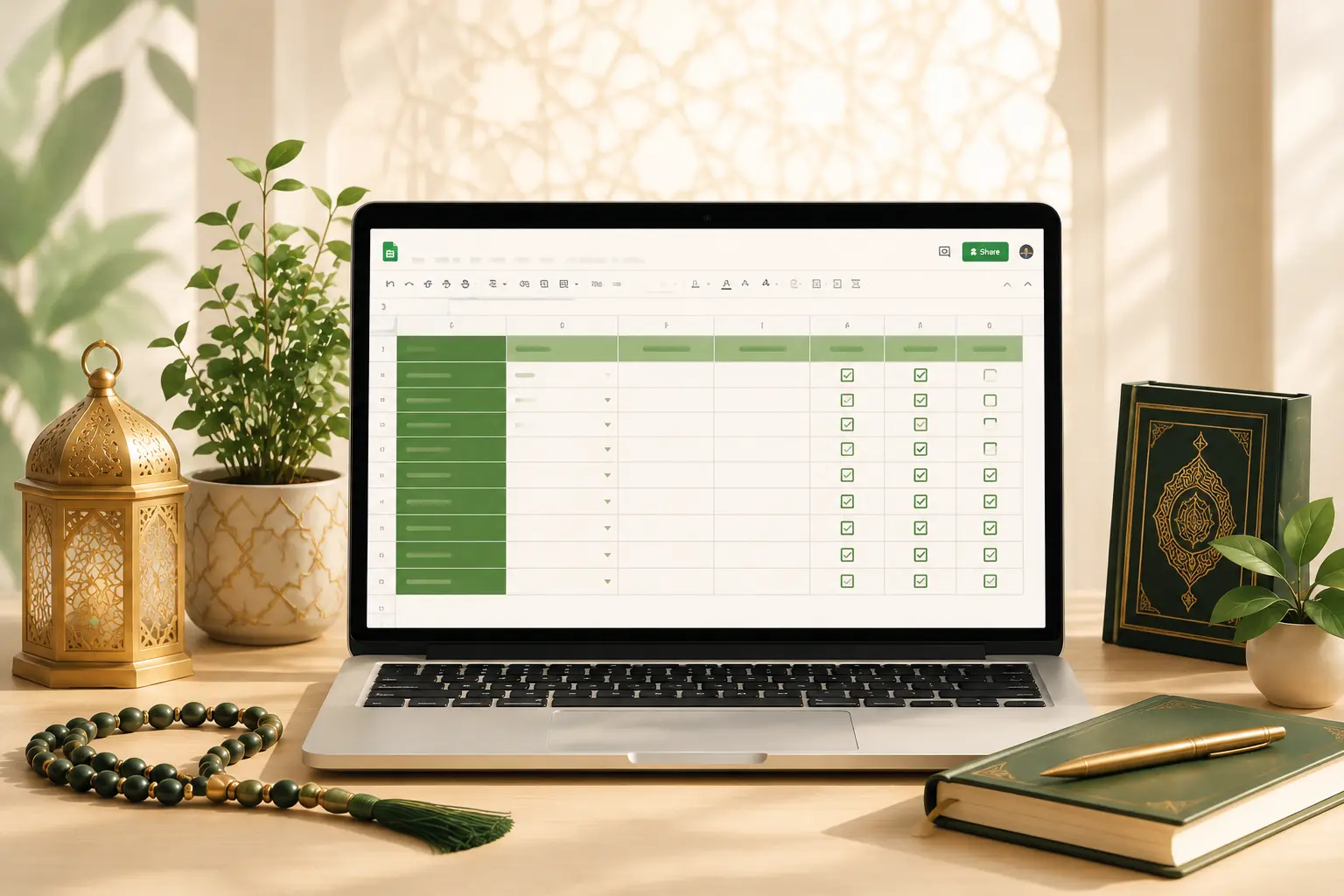
Free Quran Learning Tracker and Daily Islamic Routine Template for Kids
If you have been searching for a simple, free way to track Quran learning progress and build consistent Islamic daily habits for your children, this resource was made for you.
We built a ready-to-use Google Sheets template that helps students, parents, and Quran teachers stay organized, motivated, and consistent — without any apps, subscriptions, or technical knowledge.
Below you will find everything you need to understand what is inside this free template, how to use it, and why a structured tracking system makes a genuine difference in Quran education.
What Is a Quran Learning Tracker and Why Does Every Student Need One
A Quran learning tracker is a structured tool — digital or printed — that records a student’s daily Quran practice, memorization progress, Tajweed focus areas, and consistency over time.
Most students rely on memory to track their progress. This rarely works.
Without a system, it becomes very difficult to know which surahs need revision, how many hours have been invested, or whether consistency is improving or declining over weeks.
A good tracker solves all of this in one place.
Research in habit formation consistently shows that people who track their behavior are significantly more likely to sustain it long term. The same principle applies directly to Quran learning. When a student can see their streak, their total hours, and their weekly progress — the motivation to continue increases naturally.
At Al Tahoor Quran Institute, we work with students across all age groups and learning levels. One of the most common challenges we hear from parents is not about finding a good teacher — it is about maintaining consistency between sessions. A structured tracker bridges exactly that gap.
What Is Inside This Free Islamic Learning Tracker Template
This free Google Sheets workbook contains two fully designed, formula-powered tabs. Each tab serves a distinct purpose and works independently or together as a complete home Islamic education system.
Tab One — Personal Quran Learning Tracker
This tab is built for individual students who want to take ownership of their Quran journey. It covers daily logging, Tajweed tracking, memorization status, and weekly reflection.
The Personal Info Section includes:
- Student name and Quran goal
- Start date and target completion date
- Current Juz or Surah
- Tajweed level and learning method
- Teacher or guide name
The Main Tracking Table includes these columns:
- Date of practice session
- Surah or lesson name studied
- Number of pages or ayahs covered
- Duration of practice in minutes
- Tajweed focus area for that session
- Memorization status from Started to Memorized
- Revision completed checkbox
- Personal notes and reflection column
- Consistency score
- Overall progress status
The Live Dashboard at the top automatically calculates:
- Total practice days logged
- Total hours studied across all sessions
- Current consistency streak
- Overall completion percentage
All of these numbers update automatically as you fill in daily rows. No manual calculations are needed at any point.
The Weekly Reflection Section at the bottom includes space for:
- This week’s achievement
- Your biggest challenge
- Goals for the coming week
- A motivational note or hadith reminder
This weekly review habit alone can transform the quality of a student’s learning journey over time.
Tab Two — Daily Islamic Routine Tracker for Kids
This tab helps parents build a structured weekly Islamic habits system for their children using a simple daily checkbox method.
Habits tracked in this template include:
- Fajr Prayer
- Morning Duas
- Wudu before each Salah
- Quran reading session
- Dhuhr, Asr, Maghrib, and Isha prayers
- Islamic studies time
- Helping parents at home
- Saying Bismillah before meals
- Learning a new Hadith
- Evening Duas
- Sleeping Sunnah
Each habit has a dedicated row. Across that row are columns for Monday through Sunday. Parents or children mark each day as completed or missed using the built-in dropdown. The sheet then automatically calculates the weekly completion rate for every habit.
A parent notes column allows you to add context for any unusual days — travel, illness, or special occasions — so the data stays meaningful rather than just a set of red cells.
The Weekly Achievement Summary section at the bottom shows:
- How many habits reached 80 percent or above this week
- The overall average consistency rate across all habits
- Space to write goals for the following week
Take Your Quran Journey to the Next Level
If you want structured, expert-guided Quran learning alongside your personal tracker, Al Tahoor Quran Institute offers online Quran classes for all ages and levels.
Enroll TodayWho Is This Free Quran Tracker Template Designed For
This template was designed with a wide range of users in mind. It works well for:
Parents managing Islamic home education who want one organized system rather than scattered notebooks and forgotten checklists.
Individual Quran students working through self-paced learning or online Quran classes who want to track their own progress with clarity and accountability.
Quran teachers running home circles or online sessions who want a simple student log they can share or review without complicated software.
Homeschooling families who include Islamic studies, Quran reading, and Arabic learning as part of their structured daily curriculum.
Adult learners returning to Quran study who want to approach their practice with intention, structure, and measurable goals.
Children building Islamic habits who benefit from visual feedback, weekly percentage scores, and parent-guided review of their daily routine.
How to Download and Use This Free Islamic Tracker Template
Getting started takes less than two minutes. Follow these steps exactly.
- Getting started takes less than two minutes. Follow these steps exactly.
- Click the Google Sheet link provided below this article to open the template in your browser.
- Go to File in the top menu and select Make a Copy.
- Save the copy to your own Google Drive. Your data will now be completely private.
- Open Tab One and fill in your personal information in the Learning Profile section at the top.
- Each day after your Quran session, add a new row in the tracking table. Fill in the date, surah name, pages covered, duration, and your progress status from the dropdown menu.
- At the end of each week, review your live dashboard numbers and fill in the three reflection fields at the bottom of the tab.
- For Tab Two, sit with your child each evening and mark the habits together using the TRUE or FALSE dropdown for each day column.
- Review the Weekly Achievement Summary together every Sunday to celebrate consistency and set intentions for the coming week.
- The template works on desktop browsers, tablets, and mobile phones through the Google Sheets app on both Android and iOS devices.
Access the Free Template and Start Today
To get your own editable copy, click the link to open the full sheet in Google Sheets, then go to File and select Make a Copy.